

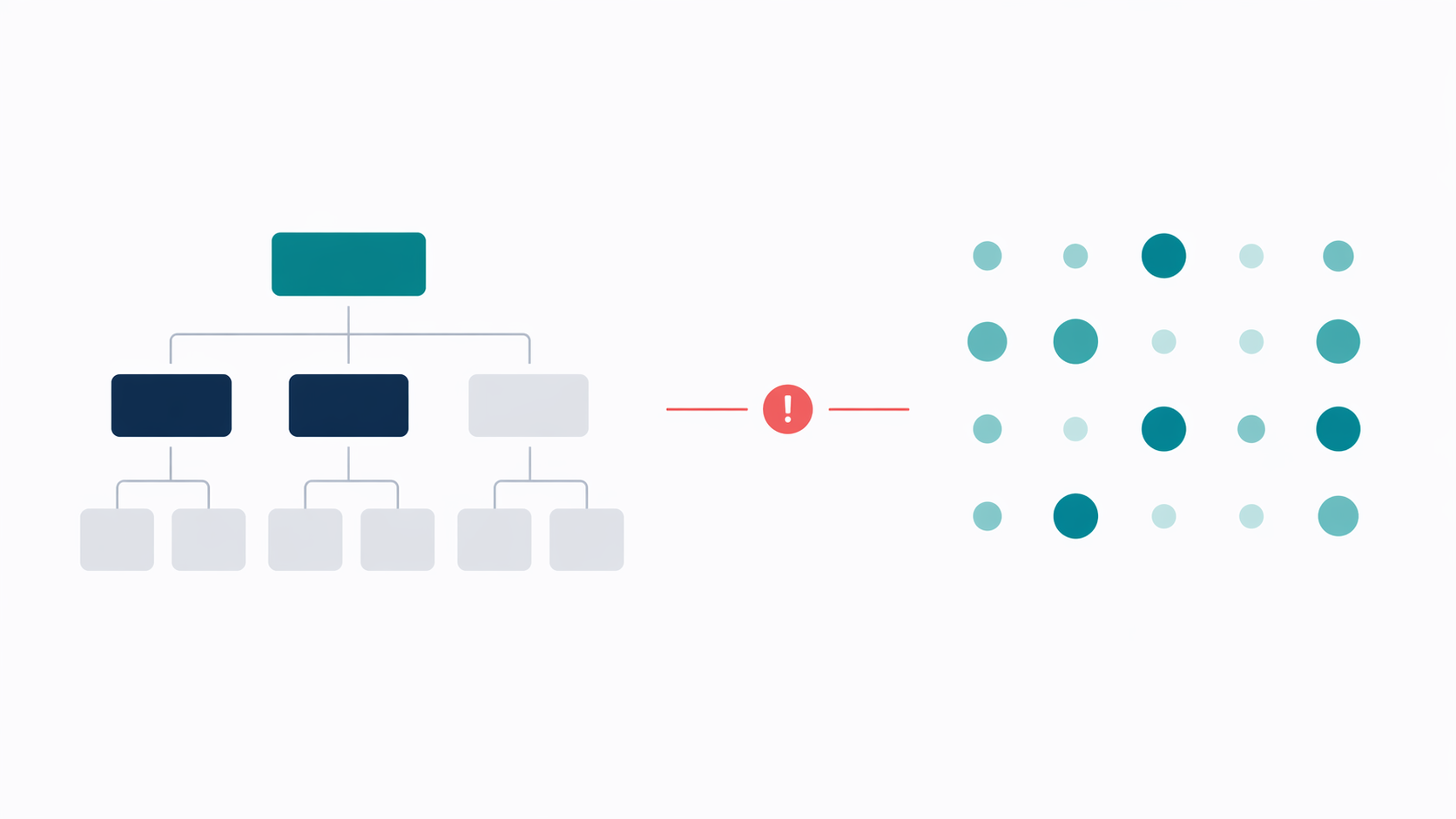
Your people data shouldn't live in a spreadsheet and a folder of PDFs. In most IT outsourcing companies, employee data lives in four or five places at once. Contracts in Google Drive. CVs in email threads. Salary in a spreadsheet. Skills half-finished in Notion. The org chart in Confluence, last updated in Q1. When a client asks for CVs, someone spends three hours finding the right version. When a contract expires, nobody notices until it's already ended. Synthelio consolidates it all in one place — and makes it operational, not just stored.
Key capabilities:
• Employee profiles — entity,unit, calendar, FTE %, HR manager, contract dates; feeds Resource Managementand timesheets automatically
• Contract expiry alerts —automatic notification 90 days before contract end; employee name and dateshown in People view
• Skills database —primary/secondary role, seniority, technology, CV upload; full team CSV exportfor RFPs
• Compensation — salary orday rate per employee; used in real-time project margin calculations inFinancials
• Org structure — units withmanager and type; drives time-off and allocation approval routing automatically
• HR Settings — leave types,PTO allowances, country calendars, approval chain — all configurable

Every employee in Synthelio has aprofile that serves as their single source of truth. The profile stores:
• Status: active or inactive(deactivated employees are removed from all planning)
• First name, last name,email
• Entity: the legal entitythe employee belongs to
• Organisational unit: theteam or department
• Working calendar:country-specific, with national holidays built in
• Availability percentage:FTE — 50%, 75%, 100%, or custom
• HR Manager: the person whomanages this employee for HR purposes
• Contract start date and enddate
The FTE percentage and workingcalendar are used by Resource Management to calculate available hours andbillability. Setting them correctly in the employee profile means the rest ofthe platform reflects reality automatically — no manual adjustment needed whenplanning.
Synthelio checks employee contractend dates and displays an automatic alert in the People view for any employeewhose contract expires within the next 90 days. The alert shows the employee'sname and exact contract end date.
This replaces the calendarreminder that gets set and forgotten, and the end-of-year HR audit that findscontracts that expired three months ago. The alert is permanent and visible toanyone with access to the People view. It gives HR and operations 90 days torenegotiate, extend, or plan for the employee's departure — enough lead time toavoid operational disruption.
The Skills tab in Synthelio givesevery employee a skills profile. The profile stores:
• Primary role: e.g. DataEngineer, Backend Developer, Azure Architect, Project Manager
• Secondary role
• Seniority: Junior, Mid,Senior, Lead, or Principal
• Primary technology: e.g.Python, Azure, React, Salesforce, Power BI
• Secondary technology
• CV: uploaded directly tothe profile
The full team skills matrix can beexported to CSV at any time. When a client sends an RFP requesting CVs andskill profiles for a proposed team, Synthelio gives account managers access tothe latest information for every employee in one place — no digging throughemail, no asking PMs to forward CVs.
The Skills database also feedsinto Demand planning in Resource Management. When a demand is raised for aSenior Azure Architect, the resource manager can search the Skills tab to findwho in the organisation matches — and whether they're available.
The Compensation tab in Syntheliostores each employee's salary or day rate. Access is restricted by role — onlyFinance and Admin users can see compensation data.
Compensation data is used by theFinancials module to calculate project margin. Synthelio compares:
• Revenue: approved timesheethours × SoW billing rate
• Cost: approved timesheethours × employee internal rate (from Compensation)
The difference is the projectmargin. This calculation happens in real time as timesheets are approved.Delivery leads and finance managers can see the margin position of any projectduring the project — not just at the end of the billing period.
Synthelio's organisationalstructure is defined in HR Settings. Admins configure:
• Organisational units: teamsor departments, each with a type (e.g. Backoffice, Tech Practice, CPG BU,Operations) and a manager
• Organisation manager: thefallback approver for time-off requests when an employee has no unit managerassigned
• Entities: legal entities,each with their own currency and billing settings
The org structure is operational.When an employee submits a time-off request, it routes to their unit managerautomatically. When a resource allocation request is made for a non-directreport, it routes to the correct manager based on the unit structure. Approvalchains work without manual routing.
HR Settings is where the Peoplemodule is configured at an organisational level. Admins control:
• Leave types: add, edit, orremove leave types beyond the defaults
• Annual PTO allowance peremployee
• Working calendars:country-specific, with national holidays pre-loaded
• Organisation manager: thefallback for approvals when no unit manager is assigned
• Skills configuration: thetaxonomy of roles, seniority levels, and technologies available for employeeskills profiles
Duis dui nibh, dapibus vitae elementum nec, accumsan sed ex. Maecenas euismod turpis eget arcu elementum ultricies.
Your people data shouldn't live in a spreadsheet and a folder of PDFs. In most IT outsourcing companies, employee data lives in four or five places at once. Contracts in Google Drive. CVs in email threads. Salary in a spreadsheet. Skills half-finished in Notion. The org chart in Confluence, last updated in Q1. When a client asks for CVs, someone spends three hours finding the right version. When a contract expires, nobody notices until it's already ended. Synthelio consolidates it all in one place — and makes it operational, not just stored.

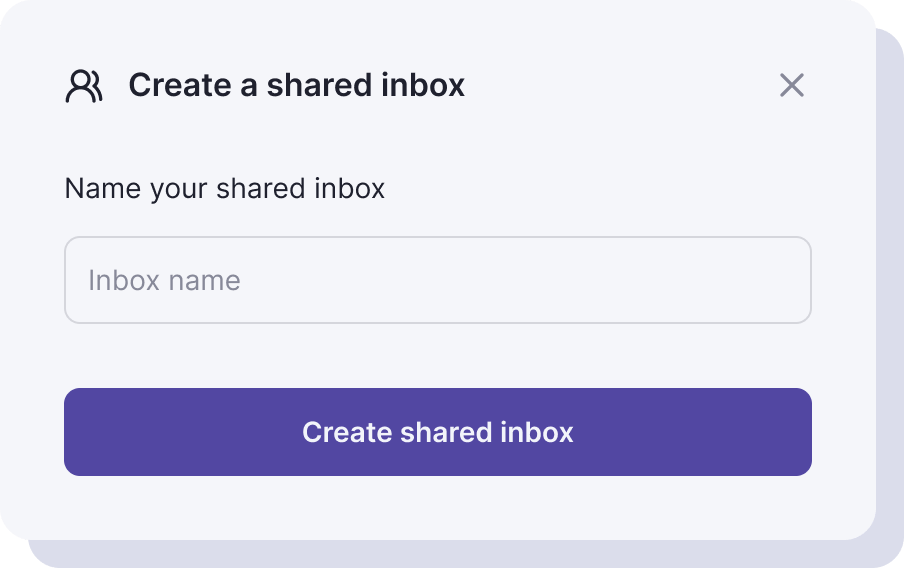
Sed sagittis tempor erat, in rutrum odio lobortis sit amet. In finibus purus et lectus ultricies, vitae tempor odio venenatis.
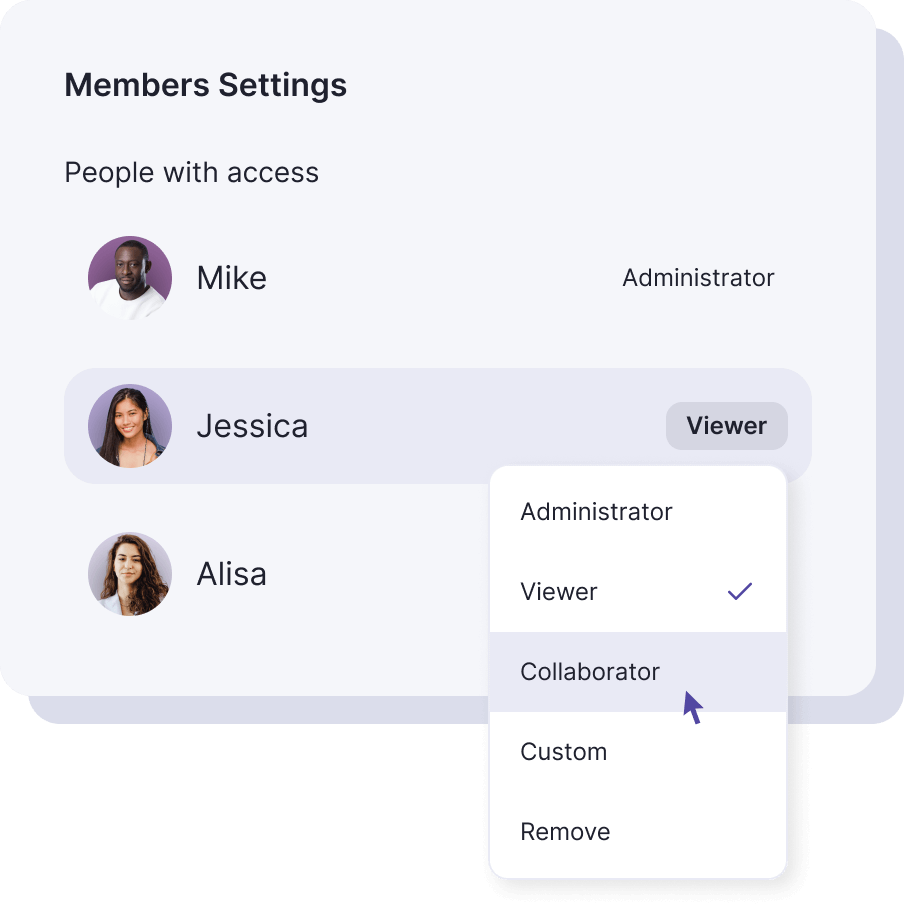
Duis eget lorem in neque volutpat maximus. Ut lobortis aliquam maximus. Nam dignissim dictum leo ut rutrum.
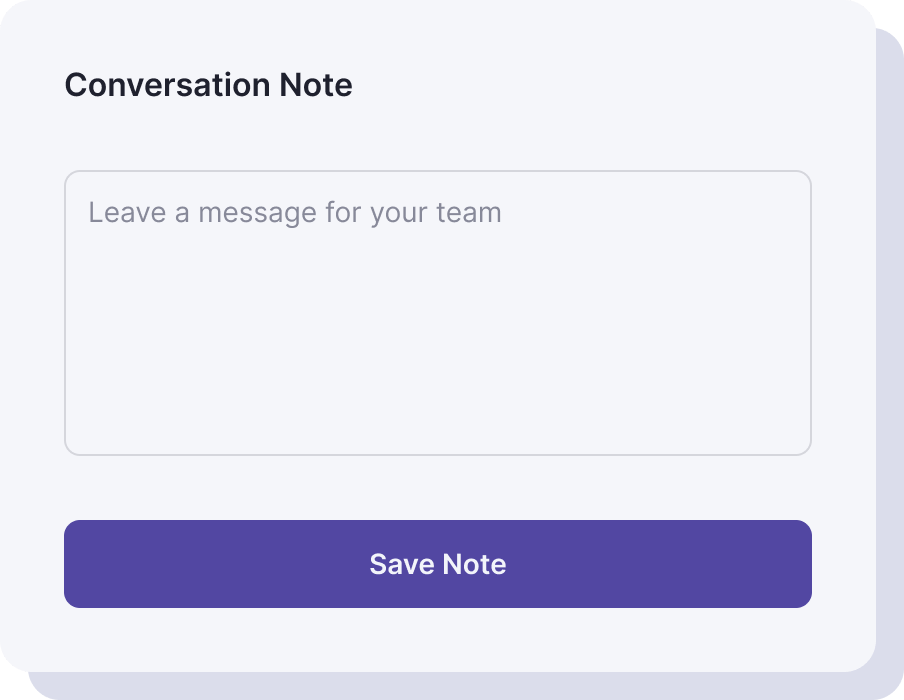
Vivamus sagittis ligula ut nisi dignissim hendrerit. Nullam interdum ligula lorem, maximus sodales dolor molestie ut.

Aenean viverra ex ante, id vestibulum velit congue non. Vestibulum quis ante quis erat gravida scelerisque. Morbi tempor orci quis tempus aliquet. Nullam vitae elit et ligula ultrices ornare ac non justo.
Maecenas tempor, odio sit amet vestibulum finibus, lacus erat tempor massa, nec aliquet nulla dolor quis tellus. Mauris mattis sapien quis ultrices dictum. Morbi sed iaculis ex.
Suspendisse mollis sem vel sapien iaculis, et iaculis libero vestibulum. Pellentesque dui libero, blandit pulvinar sapien et, consectetur dapibus massa.
Nam vitae quam tortor. Phasellus molestie mauris sit amet maximus mattis. Suspendisse convallis sapien nisi, vitae vestibulum augue posuere vitae. Fusce posuere tincidunt sodales.
Morbi euismod libero congue sem bibendum pulvinar vitae a odio. Sed non dui lobortis, accumsan purus in, laoreet tortor. Suspendisse eu faucibus nisl. Suspendisse pulvinar ut sapien eu dictum.
Visit our support page or contact our support team.
Donec venenatis nunc sit amet orci tempor, id feugiat ligula dapibus. Sed quis nibh vitae magna aliquam consectetur nec ac elit.



.svg)

.svg)