

Keep Statements of Work and Purchase Orders connected to their projects, deals, and invoices, so PMO, controlling, and accounting all work from the same record instead of a shared drive.
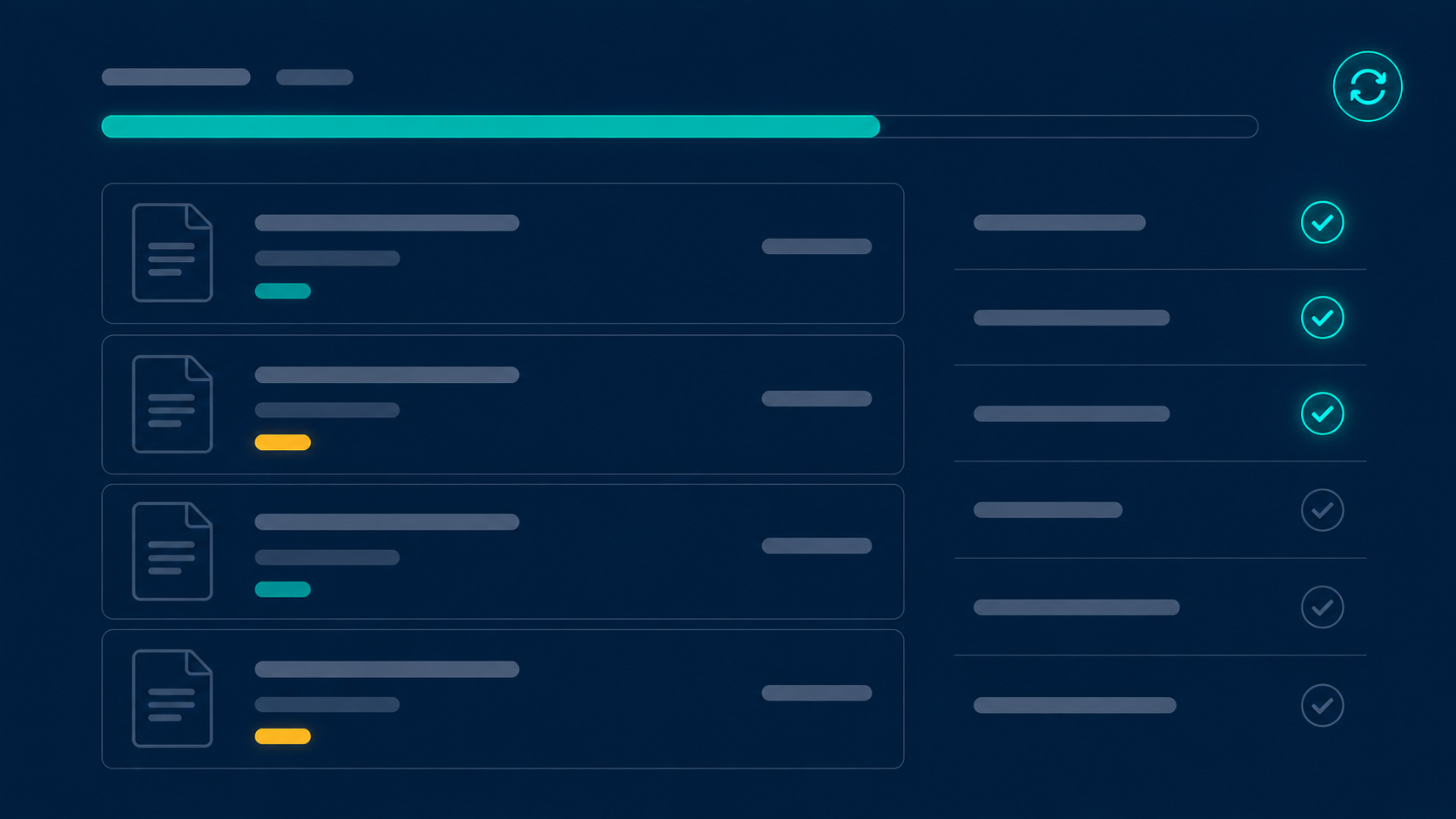
Every Statement of Work in one place, linked to its account, project, and CRM deal.
POs linked to each SoW, with coverage and consumption tracked automatically.
Milestone-based billing flagged by delivery and invoiced by accounting.
Draft, Signed, and Expired states tracked with timestamps across every contract.
SoWs and POs in USD, EUR, GBP, PLN and more, with FX handled automatically.
PMO, Controlling, and Accounting work from a single connected record.
Each Statement of Work is linked to its account, project, and CRM deal, carries the billing rates that generate invoices, and downloads as a PDF whenever a client asks.
Every SoW and PO carries a status with timestamps, so nothing bills on an expired agreement and nothing signed gets missed.
Being prepared. Terms and rates can still change before signing.
Active and billable. Rates flow into invoicing and margin.
Past its end date. Retained in full for historical reference.
Each PO is linked to its SoW, and invoiced amount versus PO amount is tracked automatically, so you request the next PO ahead of the limit instead of after an invoice bounces.
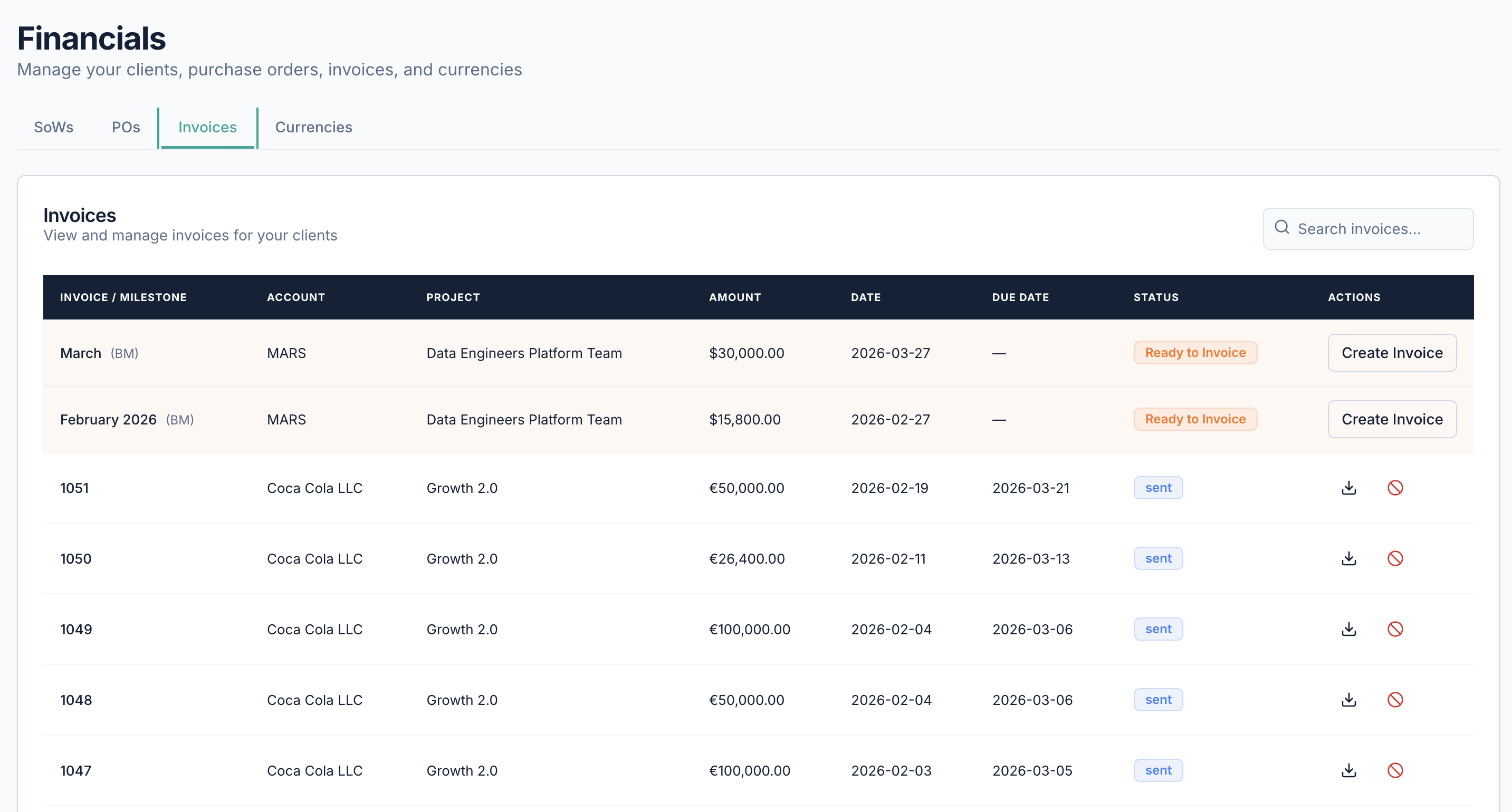
For fixed-price work, delivery flags a milestone as met and accounting invoices it, so the people delivering never have to touch billing.
Set the milestones and amounts on the fixed-price SoW.
The delivery lead marks a milestone as completed.
Finance raises the invoice for the flagged milestone.
The amount counts against PO coverage automatically.
SoWs and POs run in any currency with FX applied automatically, and PMO, controlling, and accounting all work from the same connected record.
Answers to the questions teams ask most about this part of Synthelio.

Statements of Work and Purchase Orders, each linked to its account, project, and CRM deal, with PDF download and status tracking.
Each PO is linked to its SoW, and invoiced amount versus PO amount is tracked automatically, so you can request a new PO before the limit is reached.
Fixed-price work is billed on milestones flagged by delivery and invoiced by accounting, keeping billing cleanly separate from delivery.
Yes. Draft, Signed, and Expired states are tracked with timestamps, and expired contracts remain in the system for historical reference.
PMO, Controlling, and Accounting all work from one connected record, so contracts don't live in scattered cloud drives.
Visit our support page or contact our support team.
See allocations, billability, and bench time update the moment work changes. Get early access and plan your next engagement with confidence.